
Group Statistics Explained Using a Monster Bakery 🍪
If you’ve ever opened a dataset with 50,000 rows, stared at it for two minutes, and felt your brain slowly shut down, you are not alone.
Raw data is chaotic. A table full of random numbers doesn't tell a story. To make sense of it, we have to group it, summarize it, and plot it.
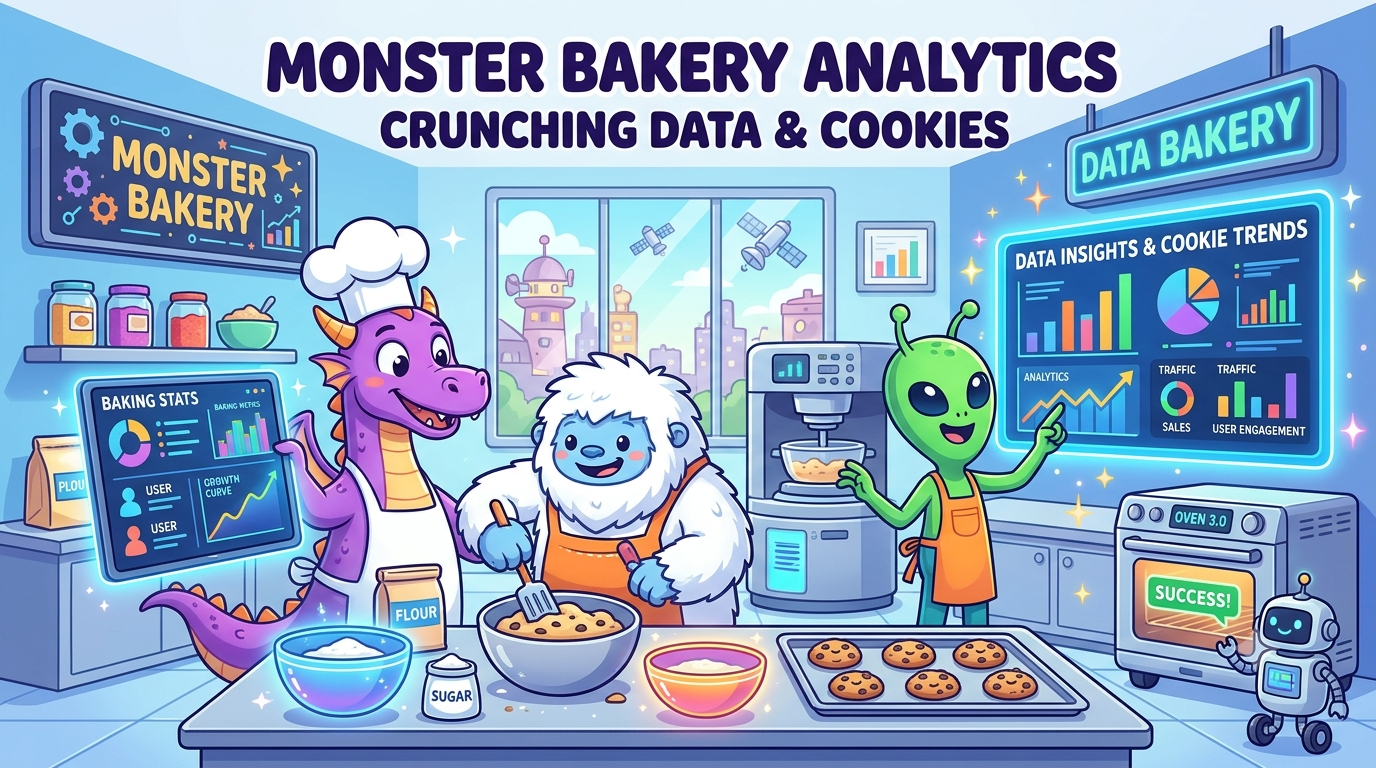
In data science, we call this group statistics and grouping visualizations. But honestly? The easiest way to understand it is to step away from code for five minutes and pretend you're running the ultimate Monster Bakery.
The Chaos: Raw Data
Imagine you run a bakery that feeds three types of customers: Dragons, Yetis, and Space Aliens.
At the end of the day, you have a massive pile of receipt slips:
- Receipt #1: Dragon ordered 12 Fire-Spiced Cookies.
- Receipt #2: Yeti ordered 2 Ice-Glazed Doughnuts.
- Receipt #3: Alien ordered 400 Cosmic Sprinkles.
- ...and 4,000 more receipts.
If the bakery owner walks in and asks, "Who buys the most food, and what are they eating?"—reading receipts one by one will get you nowhere.
Enter Group Statistics.
Step 1: Group Statistics (The "Split-Apply-Combine" Trick)
Group statistics is just a fancy term for sorting your data into buckets and running math on each bucket individually.
In Pandas or SQL, this is your .groupby() or GROUP BY clause. Under the hood, it works in three steps:
- Split: Throw all Dragon receipts in one box, Yeti receipts in another, and Alien receipts in a third.
- Apply: Do the math for each box separately. Find the average number of chocolate chips ordered per customer group.
- Combine: Stitch those individual answers back into one clean summary table.
Instead of looking at thousands of messy receipts, you get a quick breakdown:
- Dragons: Avg 50 chips/cookie 🔥
- Yetis: Avg 5 chips/cookie ❄️
- Aliens: Avg 500 chips/cookie 🚀
That’s group statistics in a nutshell. You aggregate raw rows into actionable group insights.
Step 2: Visualizing Grouped Data
Numbers in a summary table are fine, but stakeholders (and bakery owners) love charts. This is where grouped visualizations come in.
If you want to compare how many chips and how many sprinkles each monster type eats, you don't make two separate reports. You throw them into a Grouped Bar Chart.
You draw a cluster of bars for each monster:
- One red bar for chocolate chips.
- One blue bar for sprinkles.
At a quick glance, anyone looking at your chart can instantly spot the pattern: Aliens are out of control with the sprinkles, while Yetis keep things super light.
Step 3: Grouping Visualizations (Small Multiples)
Here’s where things usually go wrong in data viz.
Suppose the owner asks: "Does their snacking behavior change from Morning to Afternoon to Night?"
If you try to plot Monsters + Snack Types + Time of Day on one single graph, you'll end up with an unreadable bowl of visual spaghetti.
Instead of cramming everything onto one axis, you group multiple visual panels together. In tools like Seaborn or ggplot2, this is called faceting or small multiples.
Think of it like a comic book page:
- Panel 1 (Dragons): A small line plot showing their snacking hours.
- Panel 2 (Yetis): A matching small line plot for Yetis.
- Panel 3 (Aliens): A matching small line plot for Aliens.
Because all three plots share the exact same scale, your eyes can scan across the grid and compare them effortlessly. You immediately see that Dragons eat at midnight, Yetis eat at dawn, and Aliens snack continuously 24/7.
Code Reference (For the Devs)
To bring this back to real code, here’s how the Monster Bakery concept translates to actual data tools:
SELECT
    monster_type,
    AVG(chocolate_chips) AS avg_chips
FROM bakery_orders
GROUP BY monster_type;
import seaborn as sns

# 1. Grouped Bar Chart (Visualizing grouped data)
sns.barplot(data=df, x='monster_type', y='quantity', hue='snack_type')

# 2. Faceted Grid (Grouping visualizations together)
g = sns.FacetGrid(df, col='monster_type')
g.map(sns.lineplot, 'time_of_day', 'quantity')
Key Insights
- Group Statistics: Divide data into categories, apply aggregate functions (mean, sum, count), and combine the results.
- Visualizing Grouped Data: Single charts (like grouped bar charts or box plots) that compare metrics across categories side-by-side.
- Grouping Visualizations (Faceting): Putting multiple mini-charts in a side-by-side grid so complex data stays clean and easy to compare.
Keep your groups clear, don't overcrowd your axes, and your data stories will be much easier for anyone to digest!
About the author
- ata Analyst | SQL, Python, Power BI | Writing about projects and what I learn
Comments
Join the discussionNo comments yet. Be the first to comment.